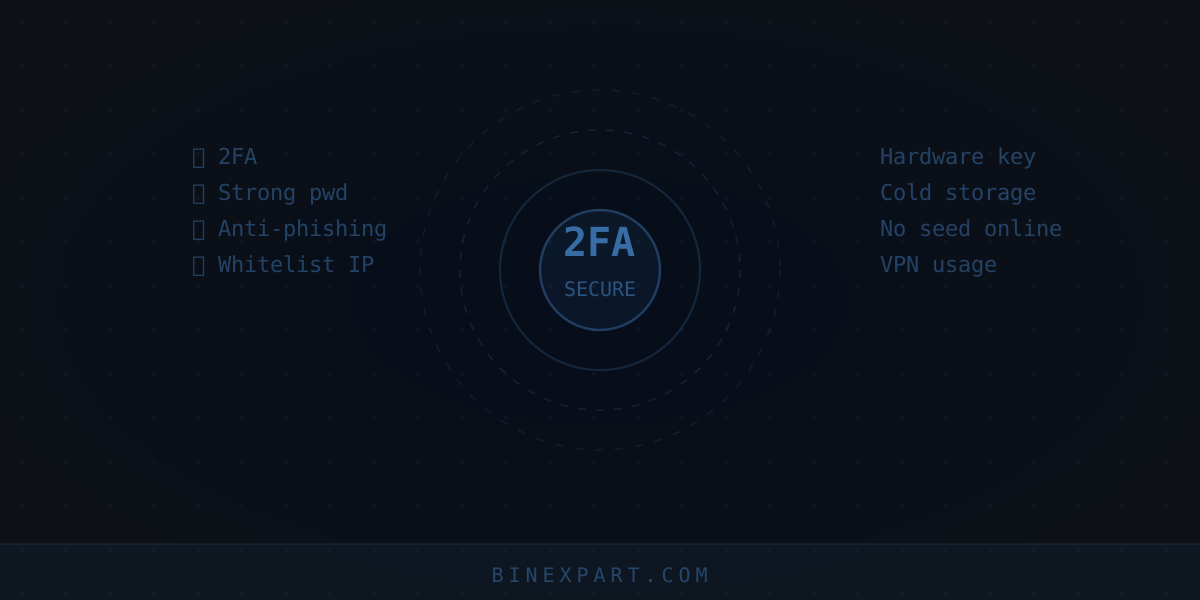
A Friend Lost $4,000 to an SMS Code. Here Is Why That Will Not Happen to Me
I have been trading since 2018. I have not personally lost funds to an account breach — but I have seen it happen to friends. The loudest case: a SIM-swap attack, an attacker intercepted the SMS 2FA code, withdrew $4,000 in 10 minutes while the person was asleep. After that I overhauled my entire security approach. This checklist is what actually protects you, without unnecessary paranoia. 20 minutes of one-time setup.
Before You Continue
If you have not registered yet — the registration guide already covers the basic security steps. This checklist is for deepening it and for those who already have an account.
1. 2FA via Google Authenticator (NOT SMS)
The most important item. SMS codes can be intercepted via SIM-swap (an attacker transfers your number to their SIM). Google Authenticator generates codes locally on your phone — interception requires physical device access.
- «Security» → «2FA» → «Google Authenticator» → scan the QR code
- Save the seed key (text code under the QR) on paper offline. Without it, recovering via support after losing your phone takes days to weeks.
- If SMS is already enabled, switch to Authenticator and disable SMS entirely.
2. Unique Password + Password Manager
4 out of 5 people I have helped with security used the same password across multiple services. One breach of an unrelated site (forum, online store) = access to your exchange if the password repeats.
- Password manager: Bitwarden (free), 1Password
- Unique 12+ character password for each exchange
- Never store passwords in phone notes or text files
3. Anti-Phishing Code
Available on Bybit, OKX, Binance, Bitget. You set a code word (e.g. "STARFOX2018") and every genuine email from the exchange will include it in the subject or body. An "exchange" email without your code is phishing — delete without clicking any links.
Setup: «Security» → «Anti-Phishing Code» → set a word (unrelated to your password).
4. Withdrawal Address Whitelist
When enabled, withdrawals are only allowed to pre-saved and confirmed addresses. Even if an attacker gains account access, they cannot withdraw to their own address — only to your saved ones.
Trade-off: adding a new address usually has a 24-hour delay (this is itself a protection — even if a hacker adds their address, you have a day to notice and cancel).
5. Checking Active Sessions and API Keys
Once a month: «Security» → «Device/Session Management» — check for unfamiliar logins. If using API for bots/trackers, ensure permissions are restricted (read-only, no withdrawal rights), and regularly remove unused keys.
6. Protecting Against SIM-Swap
SIM-swap is when an attacker uses social engineering to convince your carrier to transfer your number to a new SIM. Protection:
- Set an additional PIN/password with your carrier for changes to your number (if available)
- Do not link critical accounts (exchange, email) to SMS at all — Authenticator only
- Protect your email account (Gmail etc.) with Authenticator 2FA too — email compromise is often the first step to exchange compromise via "forgot password"
Summary Checklist (20 Minutes)
| Action | Time | Criticality |
|---|---|---|
| Google Authenticator instead of SMS | 5 min | Critical |
| Unique password + manager | 5 min | Critical |
| Anti-phishing code | 2 min | High |
| Withdrawal whitelist | 3 min | High |
| 2FA on email | 5 min | Critical |
| Session check (monthly) | 2 min/mo | Medium |
Bottom Line
20 minutes once + 2 minutes monthly — and account compromise risk drops to a minimum. For storing larger amounts, add a cold wallet. To recognise fraud before it touches your account — 8 scam schemes.